Class Field Trips
We’ve put together SLCC Class Field Trip Resources for instructors, available through Canvas Commons.

- Log into Canvas
- Find the Commons icon on the left-hand menu
- Search for “SLCC Class Field Trip Resources”
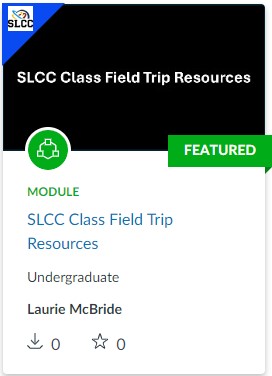
This module contains release forms that can be copied into any Canvas class, including:
- Class Field Trip Participation Agreement and Travel Waiver
- Minor Travel Authorization and Release Form
- “Be a Good Camper” optional quiz
Additional resources include:
- Information about how to create a Roster of Students
- Motor Pool Vehicle Reservation links
- Out-of-State Class Field Trip information
- Travel Office information, for requesting hotel, air travel, or per-diem cards
How to Copy to Your Canvas Class
- Go to the page you want to include in your Canvas Class. From the menu bar on the top right side of the screen, click on the "three dots" button.

- Select the "Copy To..." option. You can then select the course from the drop-down menu where you would like to add the page.
Out-of-State Class Field Trips
Traveling out-of-state with your Class Field Trip? An extra approval is needed for any activity that takes place in another state.
Contact Laurie McBride for help. Don’t worry! We can help with this step!